Reading Plans
Bible reading plans that become a teaching you own.
Follow guided plans or build your own with the Plan Wizard. Read at a pace that bends with your week, get a recap when you come back, and go deeper with a daily Companion that remembers what you learn.
Guided plans free. Build your own on Premium.
A rhythm you can keep
- Guided plans
- Build your own
- Daily Companion
- Gentle streaks
How a plan works
More than a checklist of chapters.
Every plan is a guided walk through the Word that teaches as you go and leaves you with something to keep.
Daily Companion
A guide walks each day's reading with you, drawing out the thread and the point.
Core concepts
The plan remembers the ideas you meet, so each day builds on the last instead of starting over.
Quick checks
Short, gentle questions help what you read settle in, never a test, just a pause to reflect.
Study Export
Finish a plan with a teaching you can edit, keep, and share, all in your own words.
Gentle streaks
Keep a run of days in the Word, with a free Grace Save and an optional Sabbath rest.
Read in place
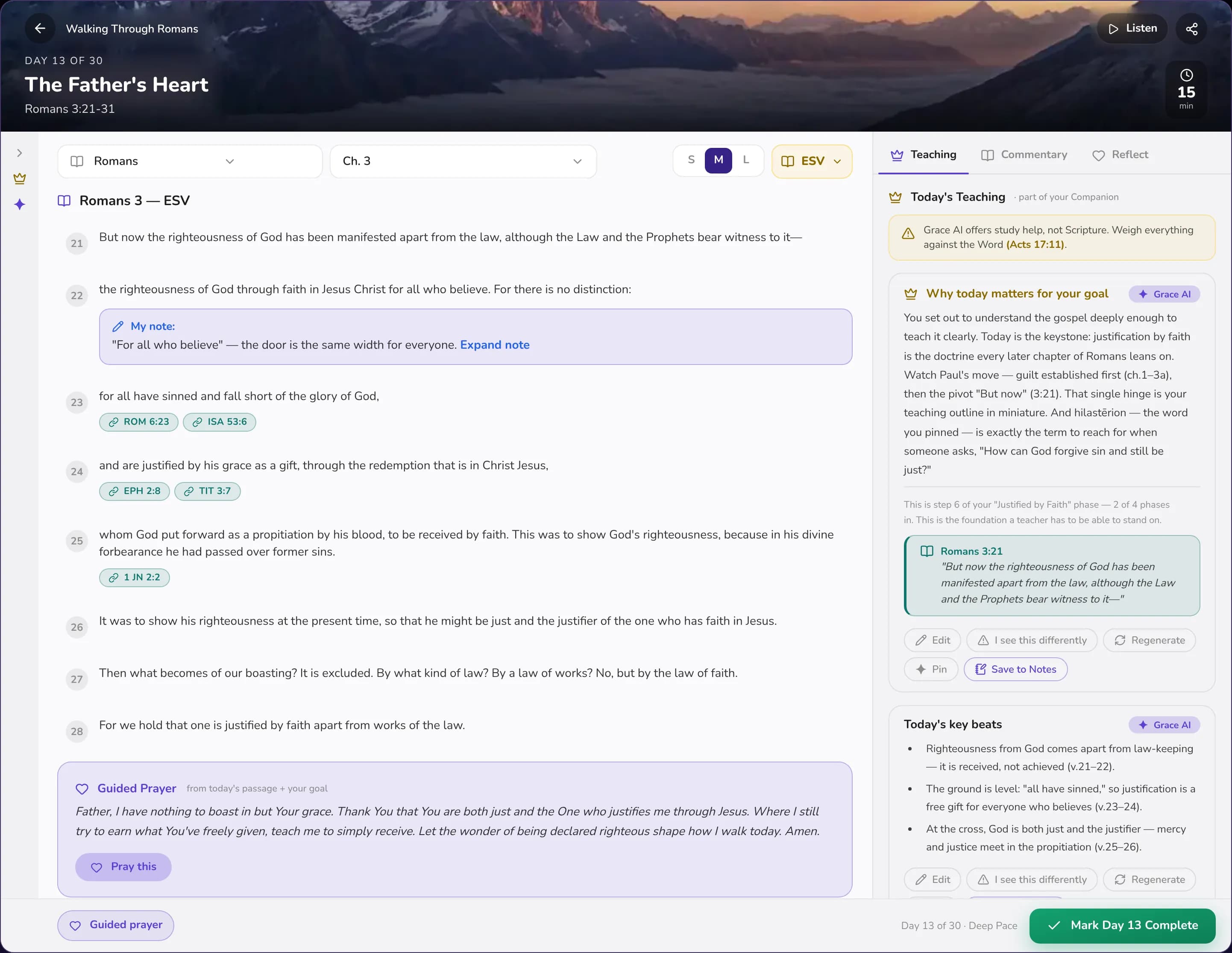
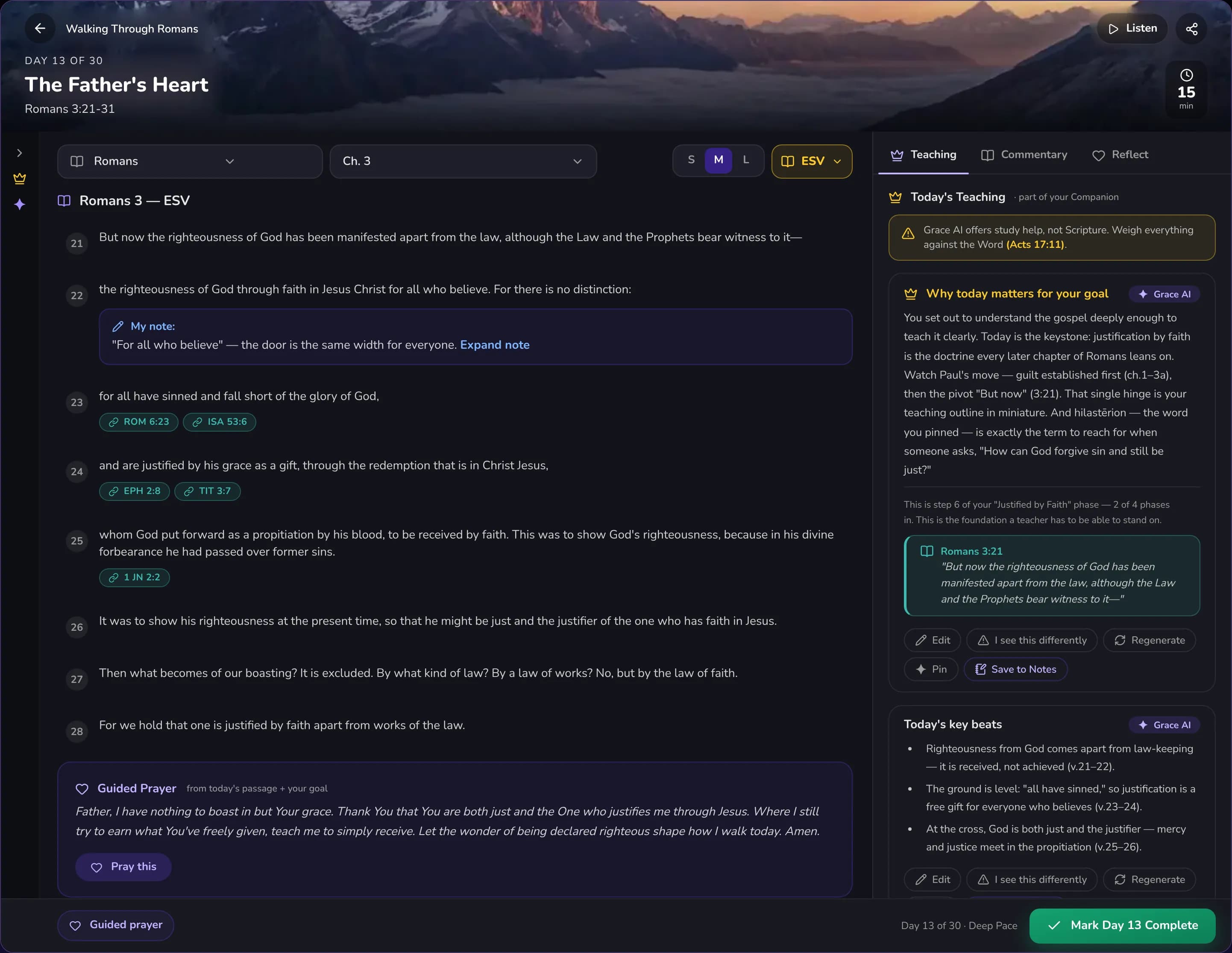
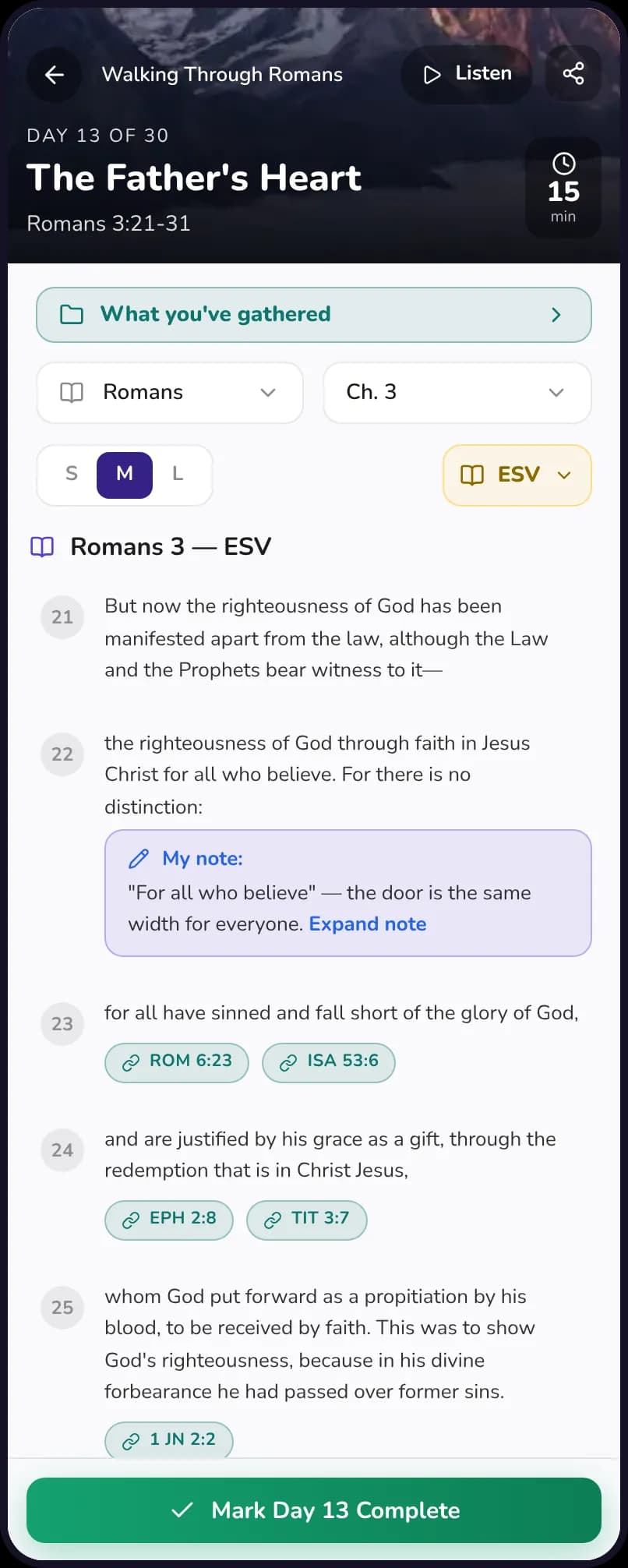
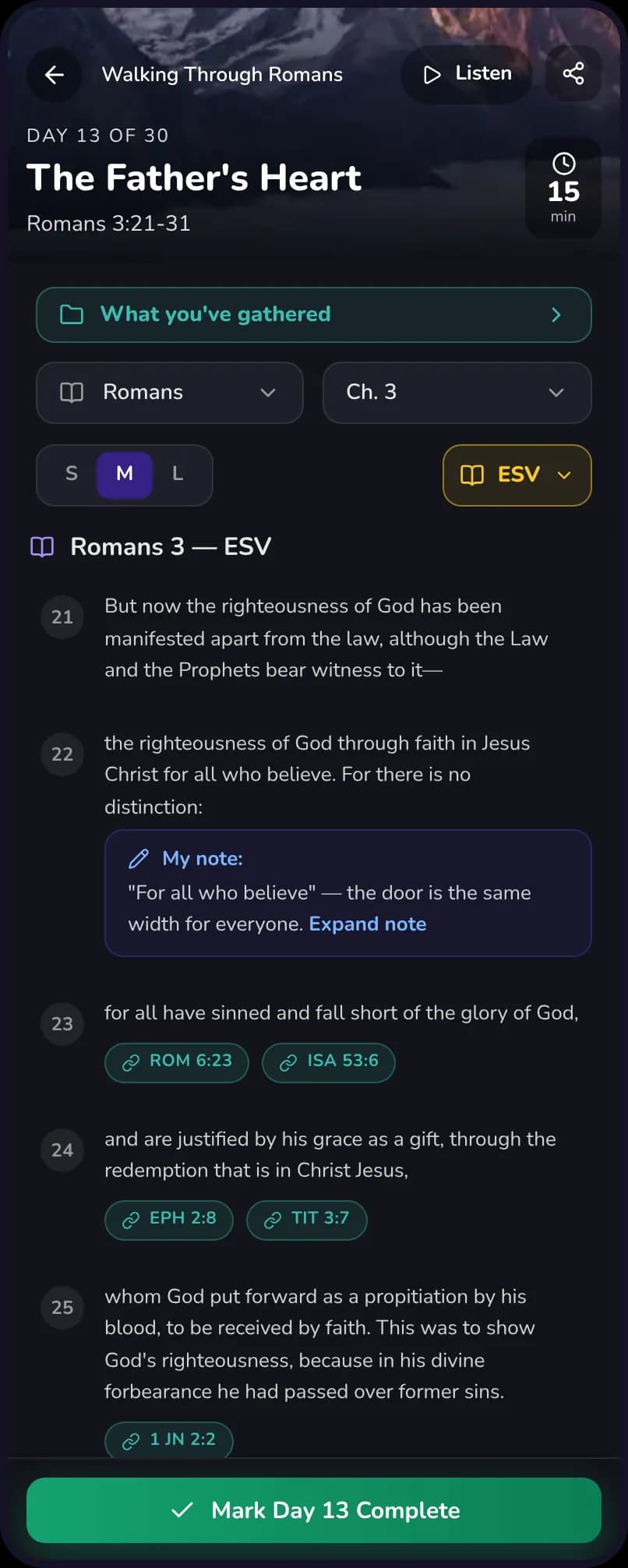
Each day opens the passage in the reader, with your highlights and notes right there.
Guided plans
Start with a plan that knows where it's going.
Choose from guided plans across books, themes, and seasons. Each one has a shape and a destination, so you are not just reading chapters in order but being led somewhere on purpose, one manageable day at a time.
- Plans by book, theme, and season of life.
- Daily readings sized to fit a real morning.
- Pick up exactly where you left off, on any device.
Build your own · Plan Wizard
Build the plan you actually need.
Tell the Plan Wizard what you want to study, how long you have, and how much per day. It shapes a plan around your life, with the Companion and core concepts along for the whole journey. Change your pace anytime and the plan adjusts with you.
- Set the passage, length, and daily pace.
- Adjust the rhythm and the plan re-flows around you.
Flexible by design
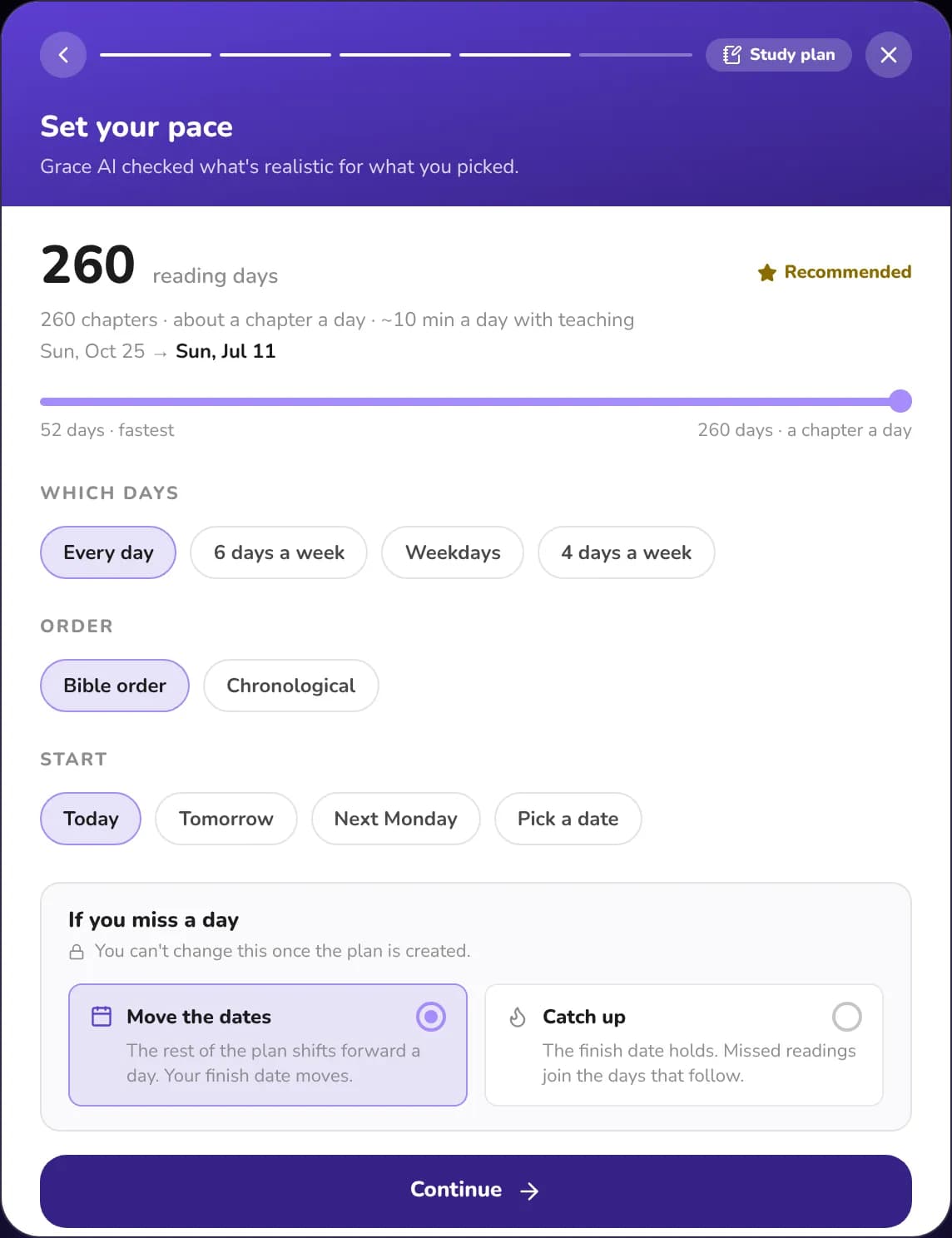
A plan that bends when life gets busy.
Set the pace once. When the week falls apart, the plan moves with you instead of leaving you behind.
A realistic pace
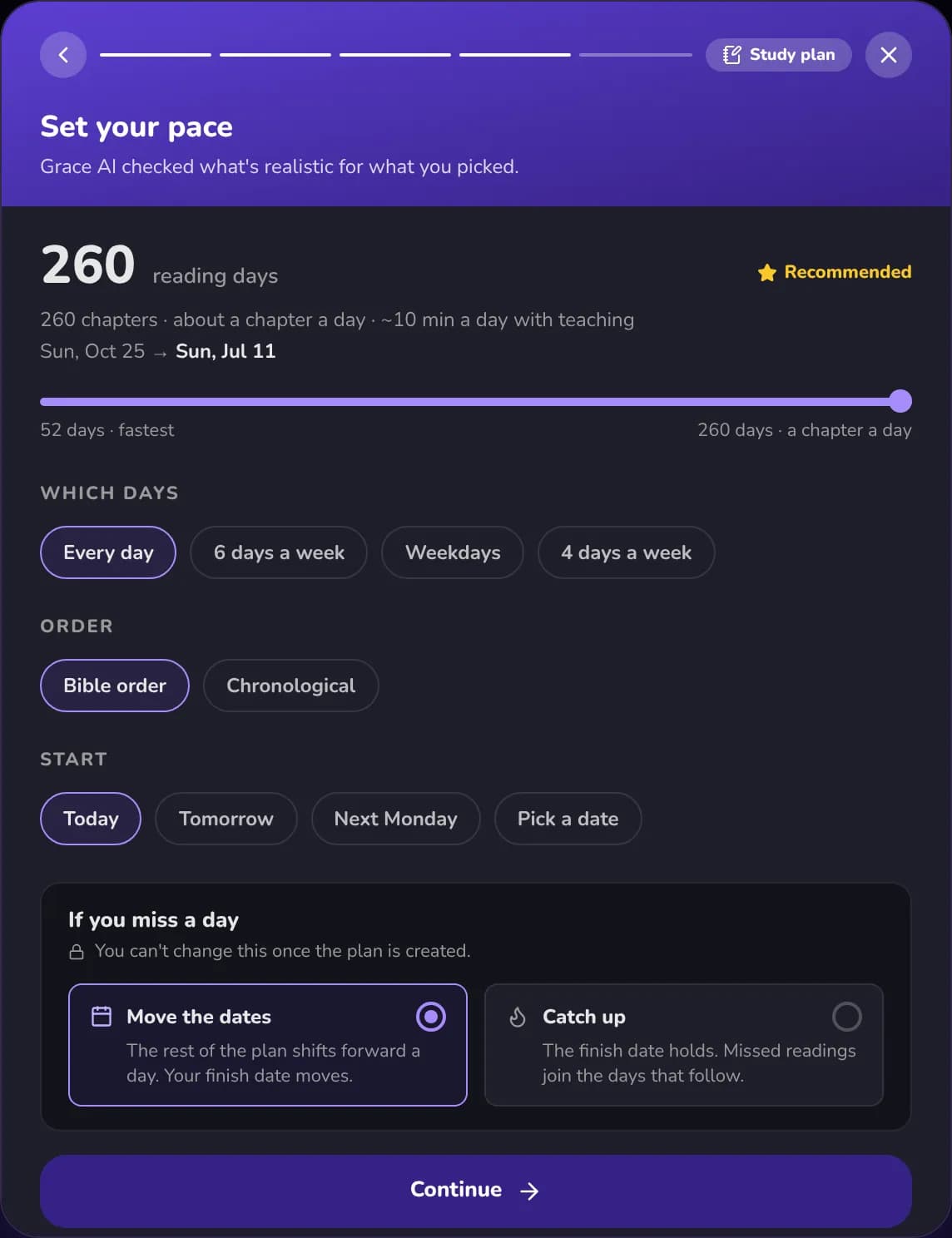
Pick how fast you want to go on a slider, and GracePad checks what is realistic for the passages you chose, with the finish date and the minutes a day.
Your days, your start
Read every day, six days a week, on weekdays or four days a week, and start today, tomorrow, next Monday or on a date you pick.
If you miss a day
Choose how the plan handles it: move the dates and let the finish date slide, or catch up and keep the finish date. You choose once, when you create the plan.
Pick up the thread
Away for three days or more? A short guided recap tells you where you stopped and walks through the thread so far in about a minute. Nothing is lost.
Your rhythm, honestly
See how steady you have been, how many days your finish date has moved, and how much time you have spent against the estimate, without pressure.
Adjust any time
Change the pace later from the plan overview and the schedule re-flows around you.
Go deeper
From reading to understanding.
Start with a plain reading plan. Turn it into a study plan whenever you want a goal, a guide and teaching each day.
Reading plan or study plan
Just read on a schedule, or read it and go deep with a goal, teaching each day and a Grace AI Companion. Turn a reading plan into a study plan later and your notes come with you.
Your North Star
Say what you want out of the plan: understand it deeply, teach it, grow closer to God, pray through it. Add your own words and tell Grace AI how to teach you. It steers every day.
A plan with a shape
Plans are grouped into phases with a title and a summary, and a marker shows where you are, so you always know the story you are in.
Everything you gathered, in one place
The Study tab brings together your core concepts, highlights, notes and prayers, and weaves them into a teaching you can edit, regenerate or push back on.
Ask Grace about the plan
Ask what the thread is so far, ask Grace to push back on you, or ask for help teaching it.
Remember what you learned
Review your core concepts with spaced repetition, and save any of them to your notes.
Inside each day
More than the passage.
Each day opens in the reader with everything you need beside the text.
Discoveries
Characters, maps and manuscripts unlock as you read, like Paul of Tarsus on Day 7, with a short story and an illustration. Come back tomorrow for the next one.
Commentary and word studies
Classic commentary, historical context, and word studies with the Greek behind the English, which you can pin to your core concepts.
Reflect on today
Prompts like What stood out, Where I am and Live differently, saved with your plan.
Guided prayer
Pray through the day's reading with a guided prayer.
Listen
Listen to the day's reading instead of reading it.
Read your way
Choose small, medium or large text, and switch translations without leaving the day.
Streaks, held gently
Consistency, held with grace.
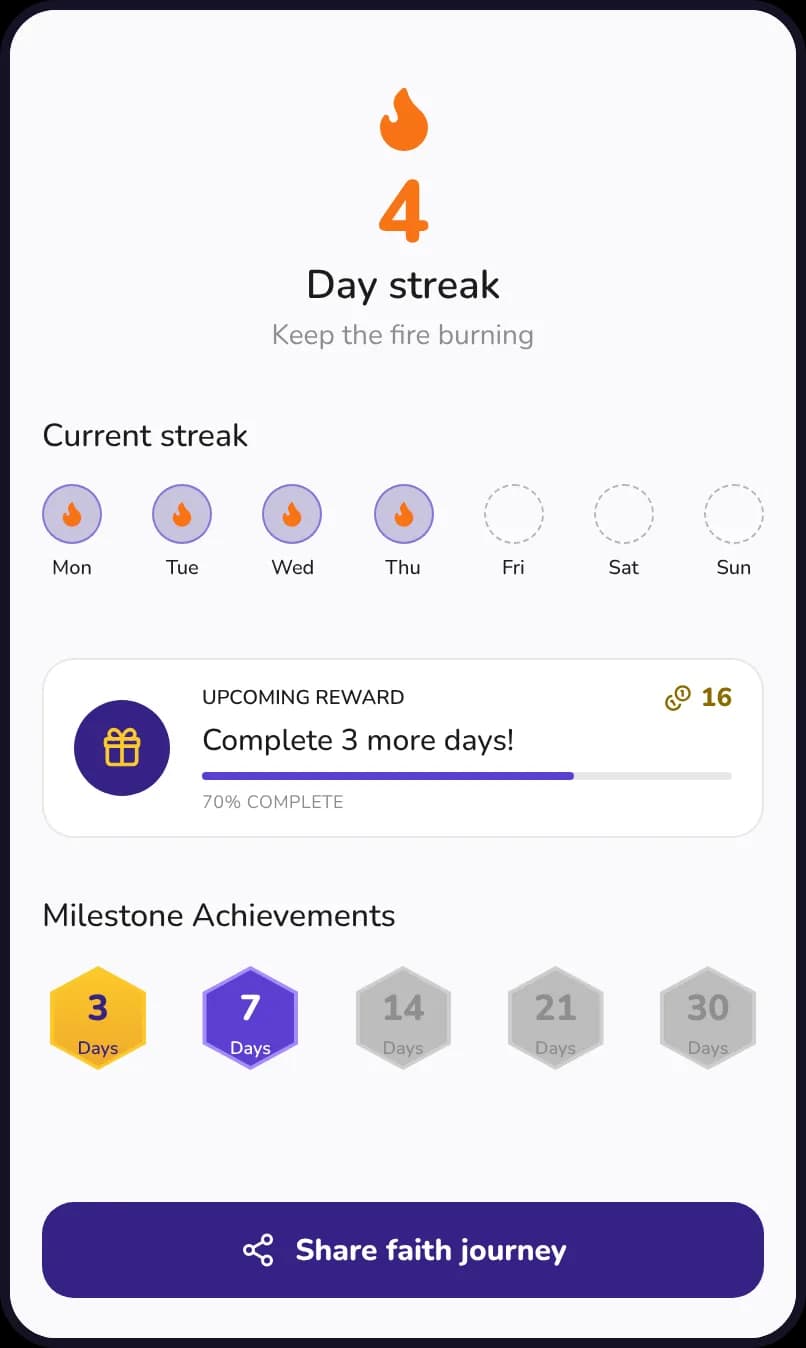
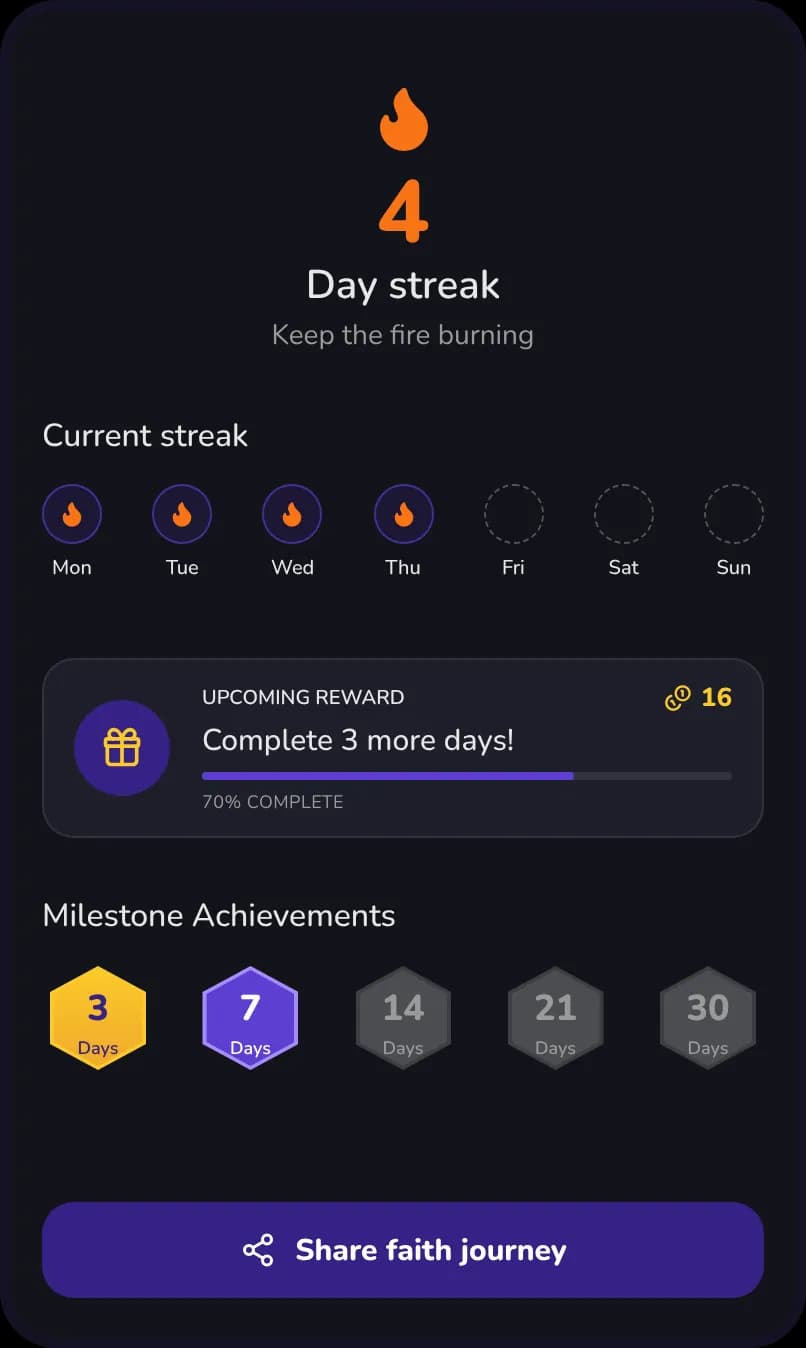
GracePad keeps a gentle streak of the days you spend in a plan. Miss a day and a free Grace Save has your back, because grace you have to pay for is not grace. Rest on your Sabbath without breaking your run.
- A streak meter, not a scoreboard.
- A free Grace Save every month, never paywalled.
- An optional Sabbath rest day.
Guided plans free · Wizard on Premium
Find a rhythm, and keep it.
Guided plans and the daily Companion are free. Premium unlocks the Plan Wizard, Study Export, and deeper study across GracePad.
Questions people ask first
- Can I make my own plan?
- Yes. The Plan Wizard builds a plan around the passage, length, and daily pace you choose, and adjusts if your rhythm changes.
- What happens if I miss a day?
- A free Grace Save covers a missed day each month, and an optional Sabbath rest keeps your streak intact without pressure.
- Can I change my pace later?
- Yes. Adjust the pace from the plan overview and the schedule re-flows around you. How missed days are handled, by moving the dates or by catching up, is chosen when you create the plan.
- What if I stop for a few days?
- After three days or more away, GracePad offers a short recap so you can pick up the thread. Your plan, notes and highlights are all still there.
- Do I keep anything when a plan ends?
- You finish with a teaching drawn from your core concepts, which you can edit, keep, and share through Study Export.