Notes & Workspace
A Bible note-taking app that embeds and links Scripture.
A dedicated Christian notepad for sermon notes, Bible study notes and journaling, with folders, tags and a table of contents, and the verse embedded right inside your text. Everything syncs across your devices and works offline.
Unlimited notes. Yours offline, on every device.
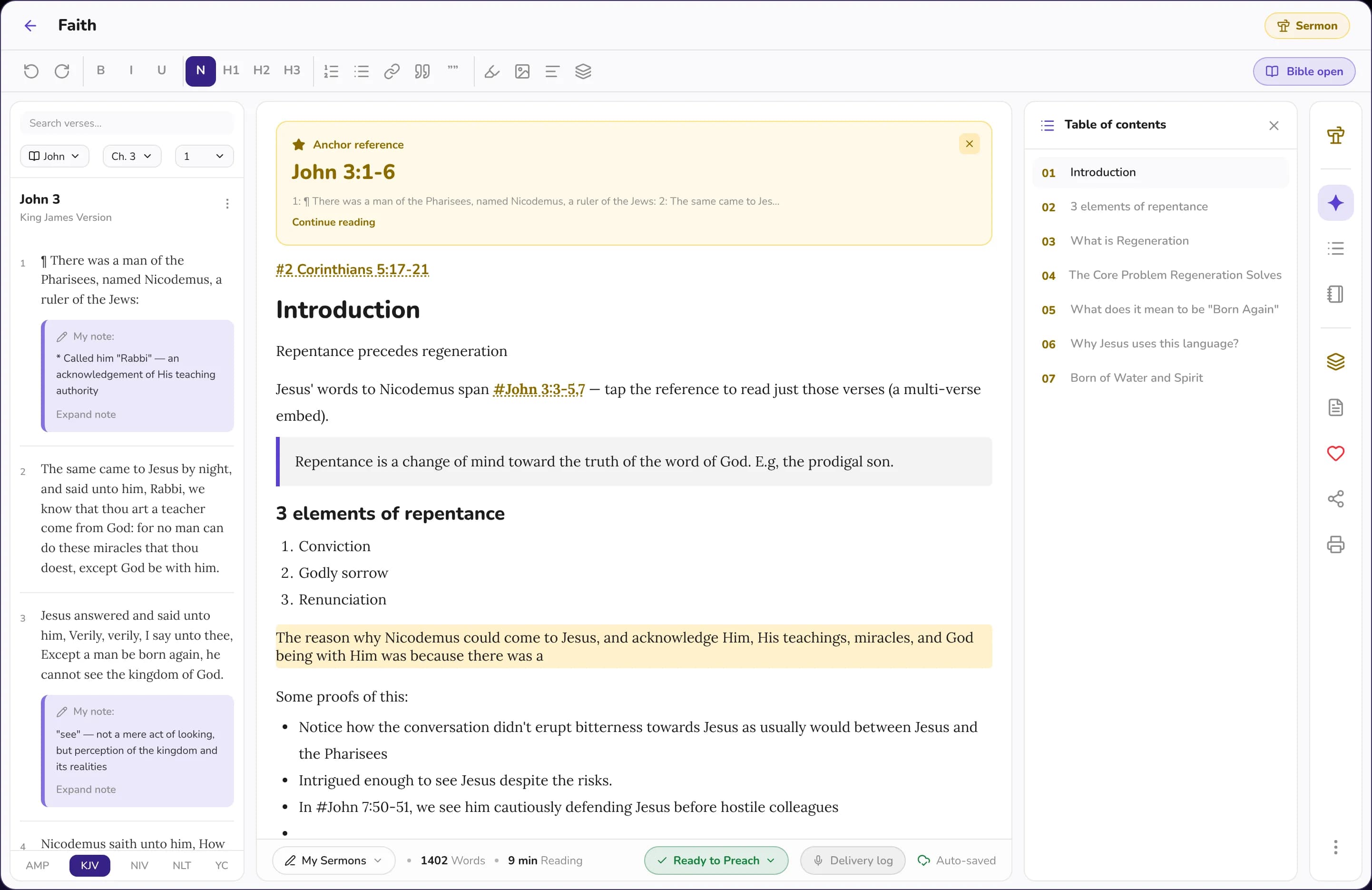
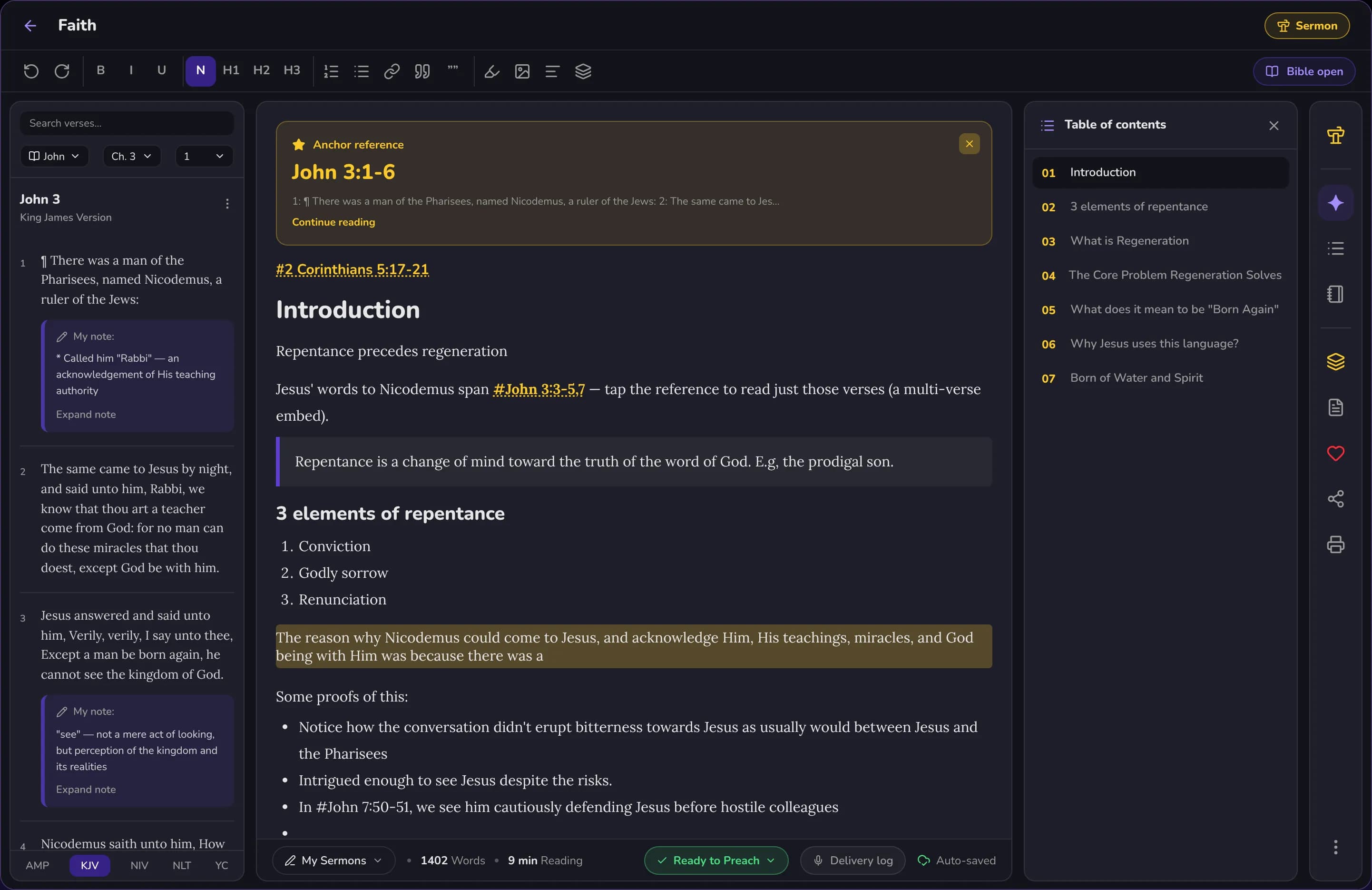
One workspace for study & sermons
- Verse-linked notes
- Folders & tags
- Sermon prep
- Offline & synced
What the workspace does
A writing space that keeps the Word in reach.
Write freely, drop in verses without leaving the page, and keep every note organized and in sync.
A real editor
Headings, lists, quotes, and formatting built for long-form study, not scratch notes.
Embed Scripture
Pull any verse into your note in full, shown word for word and linked back to the reader.
Folders & tags
Organize by series, book, or theme, and find any note with tags and full-text search.
Templates
Start from sermon, study, or reflection templates so a blank page is never the barrier.
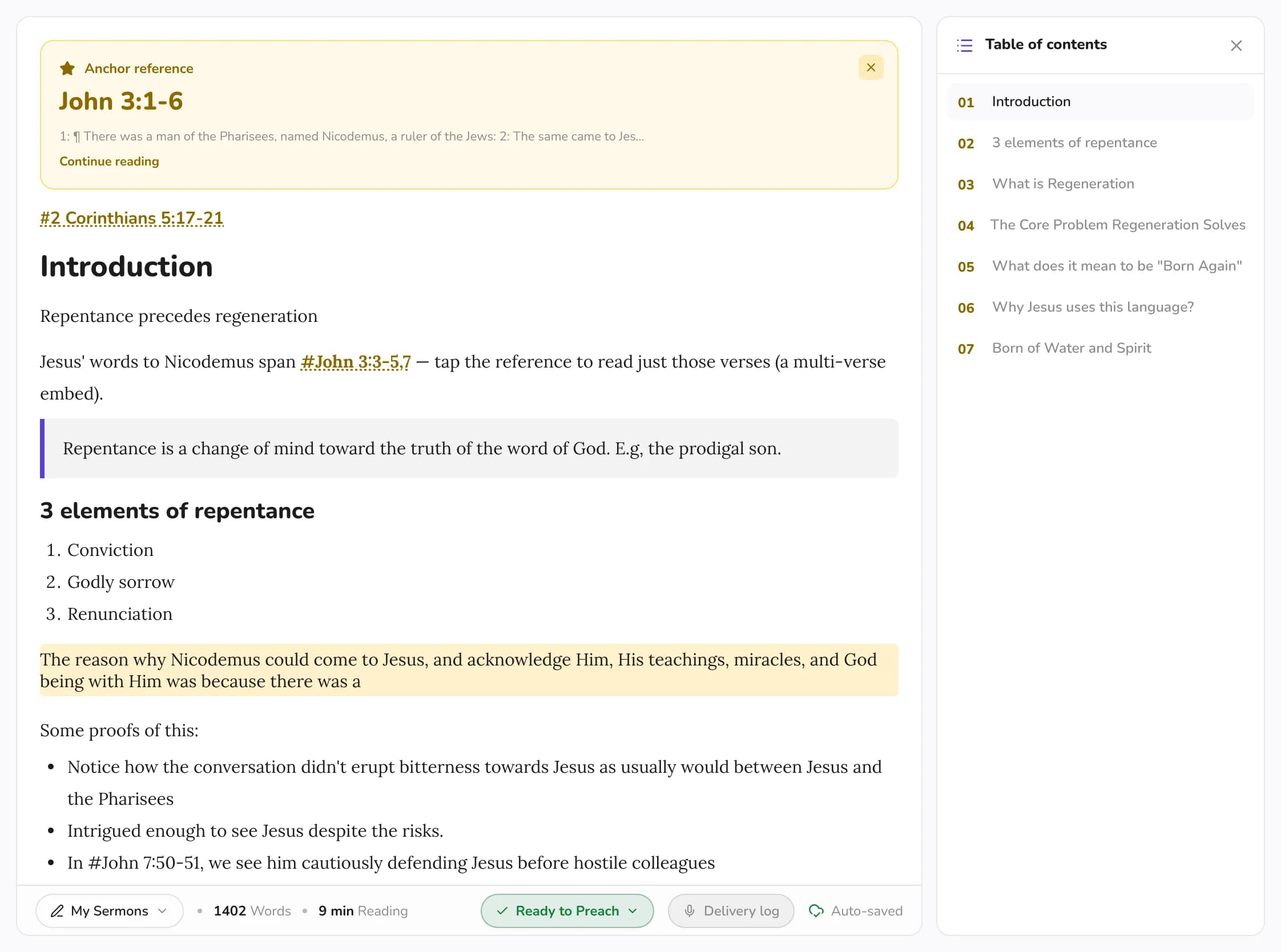
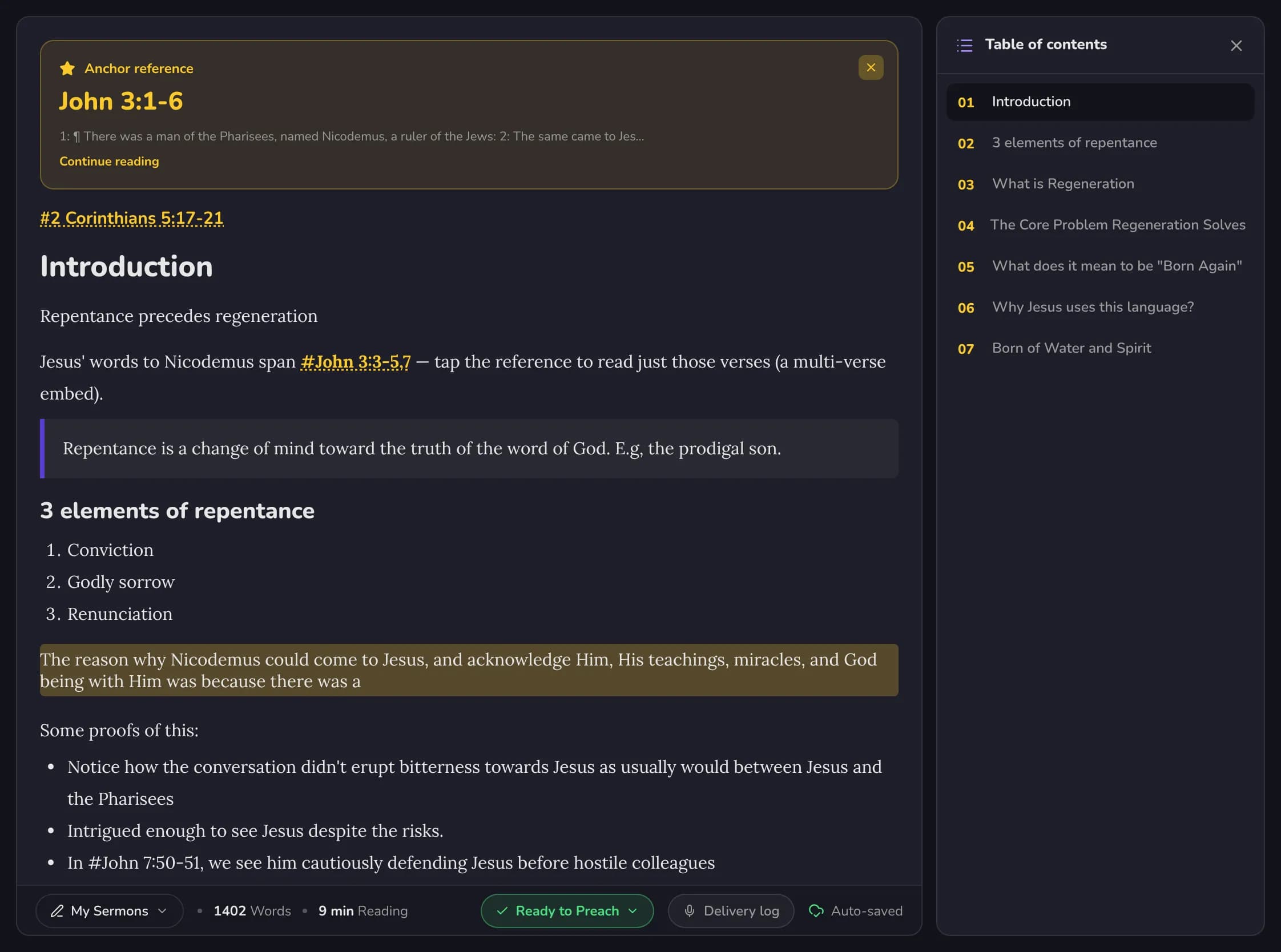
Table of contents
Long notes stay navigable with an auto-built outline you can jump around in.
Offline & in sync
Write anywhere, online or off. Everything syncs the moment you are back on a connection.
Built for how Christians write
One Christian notepad for everything you write.
Sermons, study, journaling and church notes live side by side, in folders you control.
Sermon notes & preparation
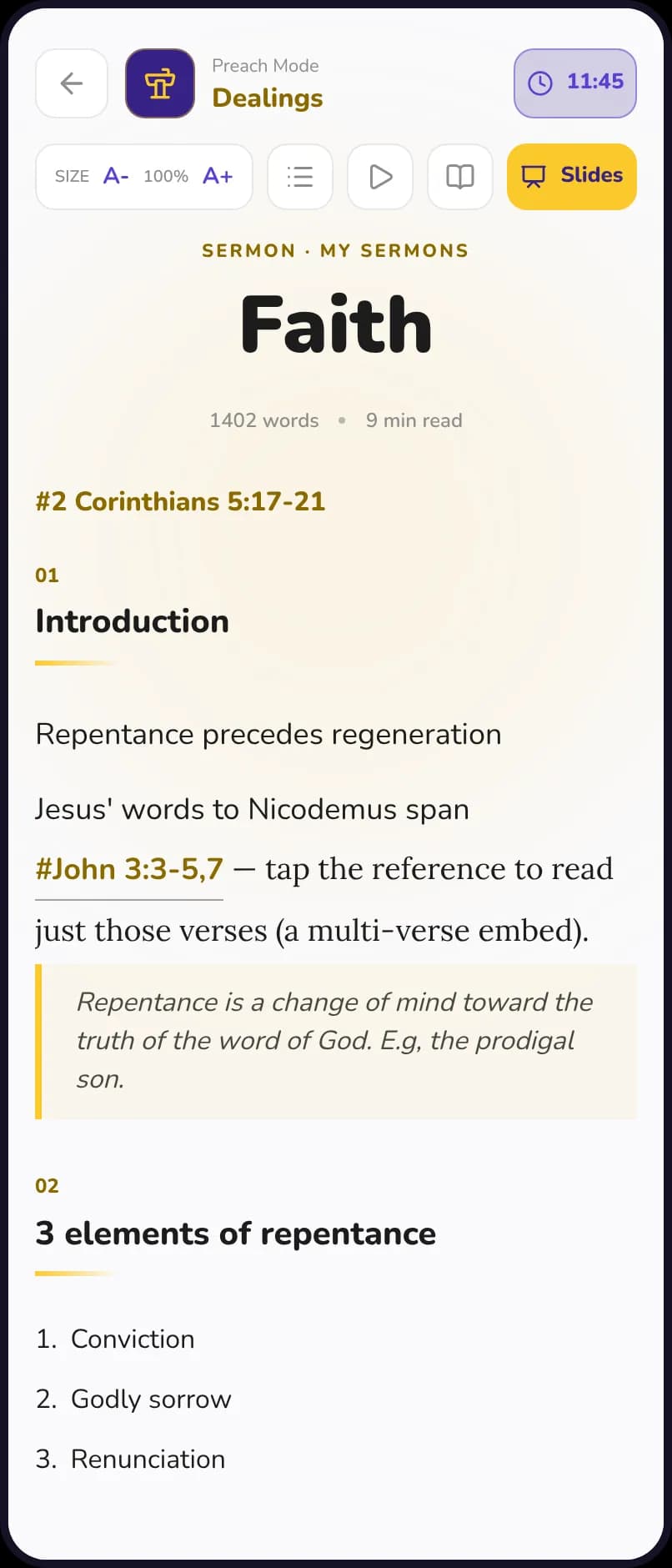
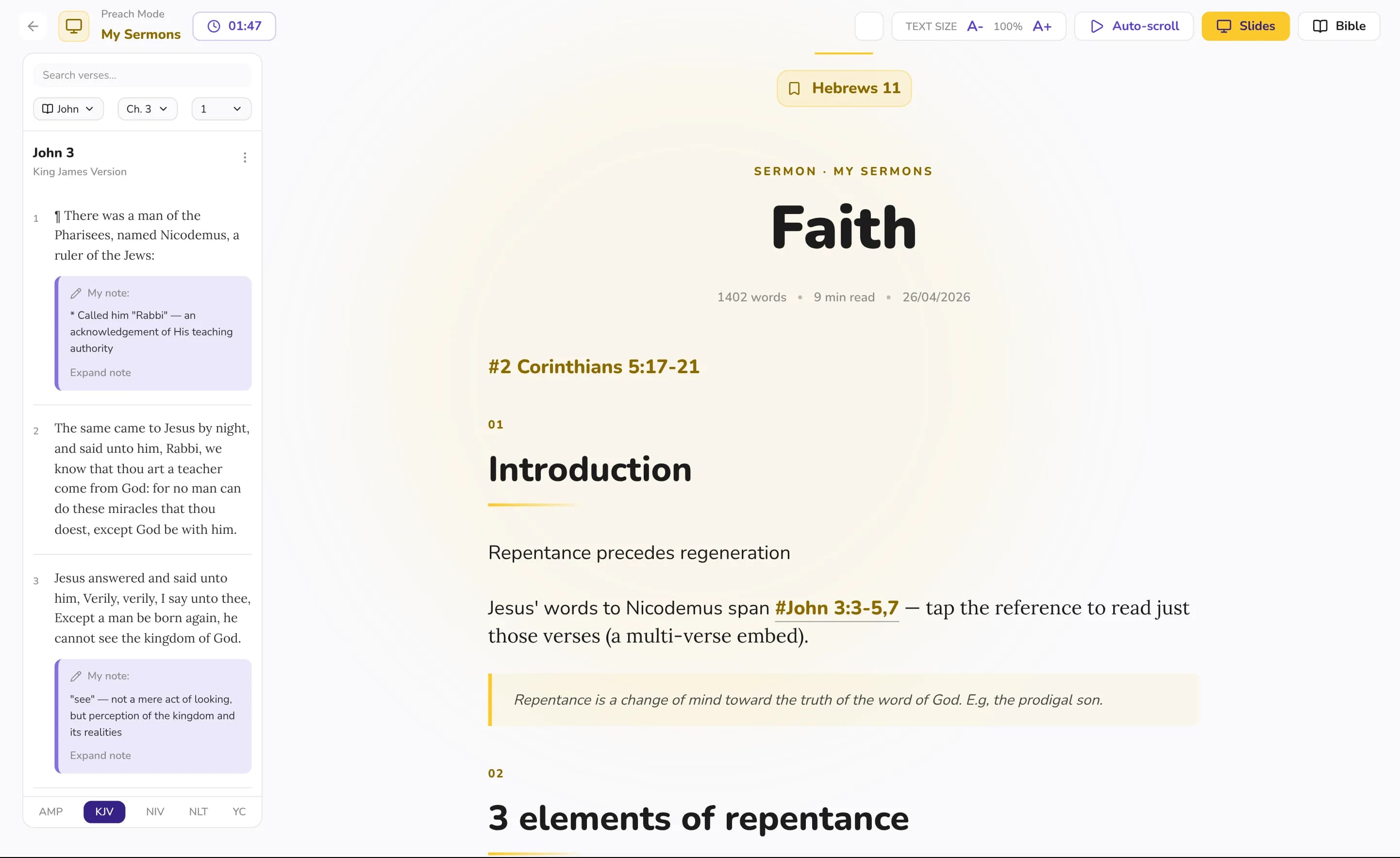
Pastors and preachers outline a message, embed the key passages and turn the note into Preach Mode on Sunday.
Bible study notes
Bible students and small-group leaders keep study notes beside the passage, in folders by book, series or theme.
Devotional & prayer journal
Keep a devotional journal or a prayer journal, starting from a reflection template, with the verse that prompted it right inside the entry.
Church notes
Take church notes on Sunday and keep every message you hear, easy to find again with tags and full-text search.
Verse-linked notes
Scripture embedded, not just linked.
Drop a passage into your note and it arrives in full, rendered word for word, with a tap-through back to the reader. Your notes carry the text of the Word inside them, so study reads as one whole thought instead of a page of references.
- Verses appear in full, never truncated to a reference.
- Every embedded verse links straight back to the reader.
- Write around the text, not away from it.
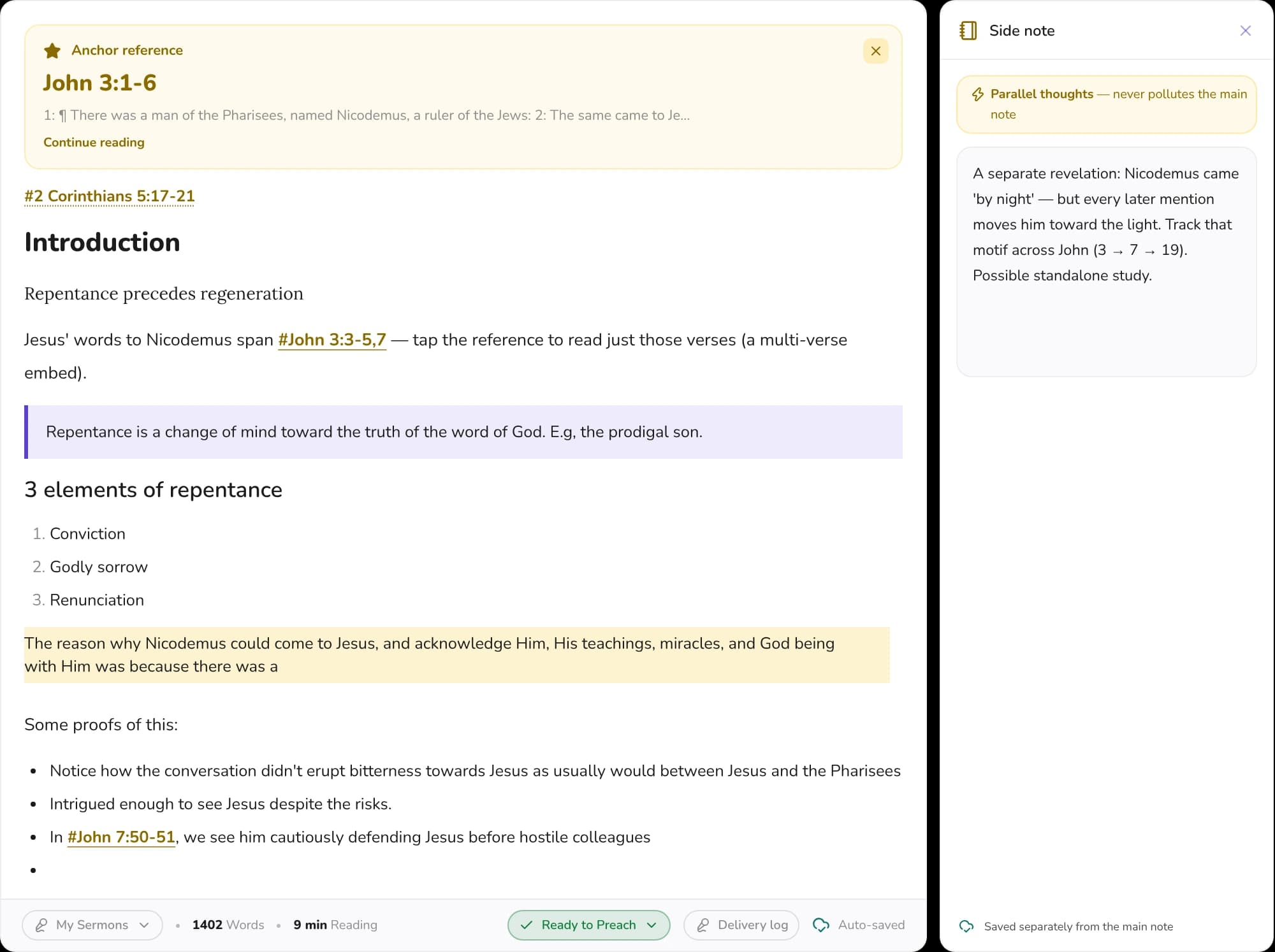
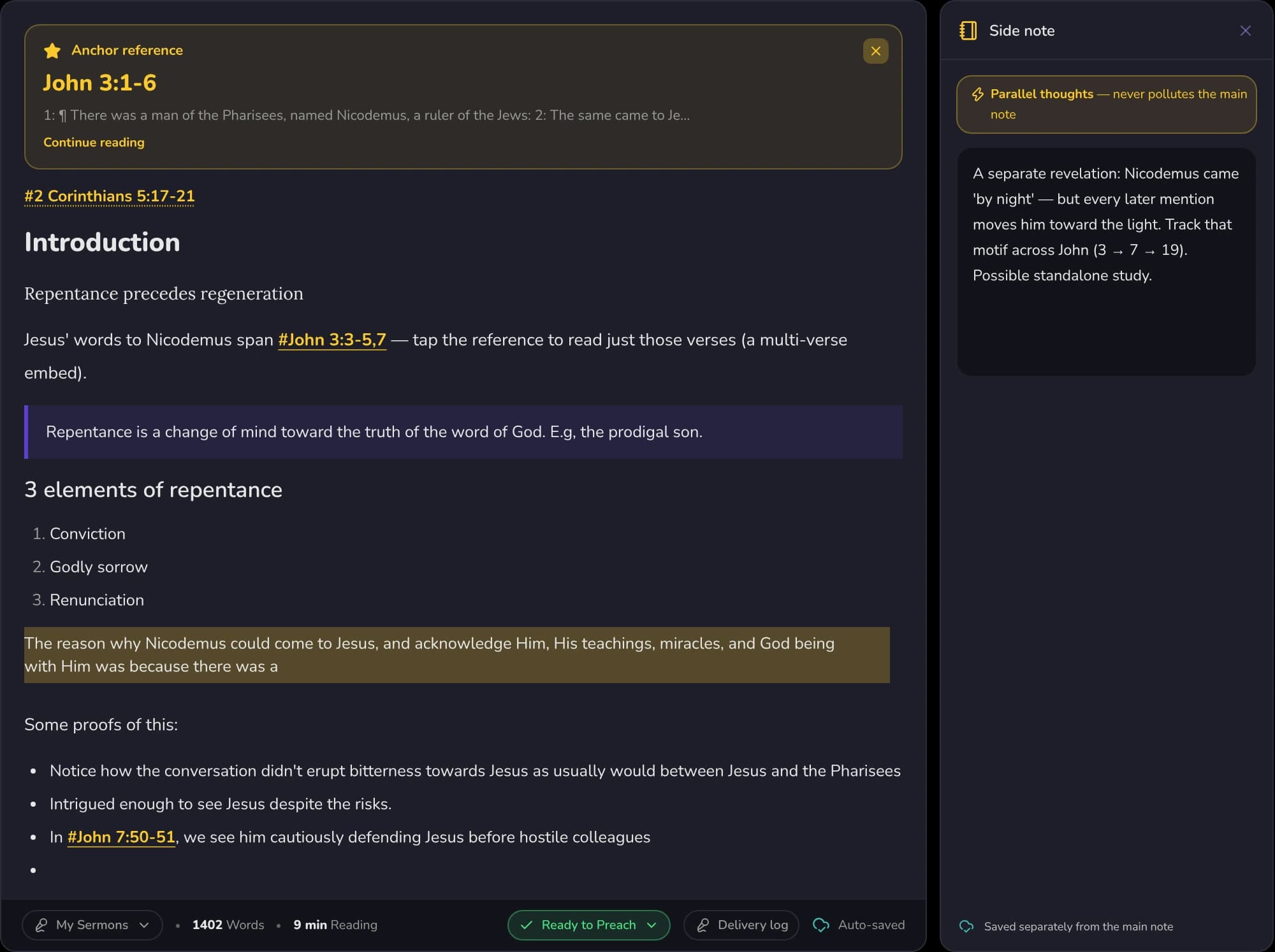
Side note
A place for the thought that isn't part of the note.
Jot a parallel thought beside the note you are writing. It is saved separately, so it never clutters the main note.
Organization
Folders, tags, and a table of contents.
Group notes into folders by series or book, tag them across themes, and let long documents build their own outline. When you need something months later, full-text search finds it in a breath.
Nothing you write gets lost in a pile, and nothing gets buried when the pile grows.
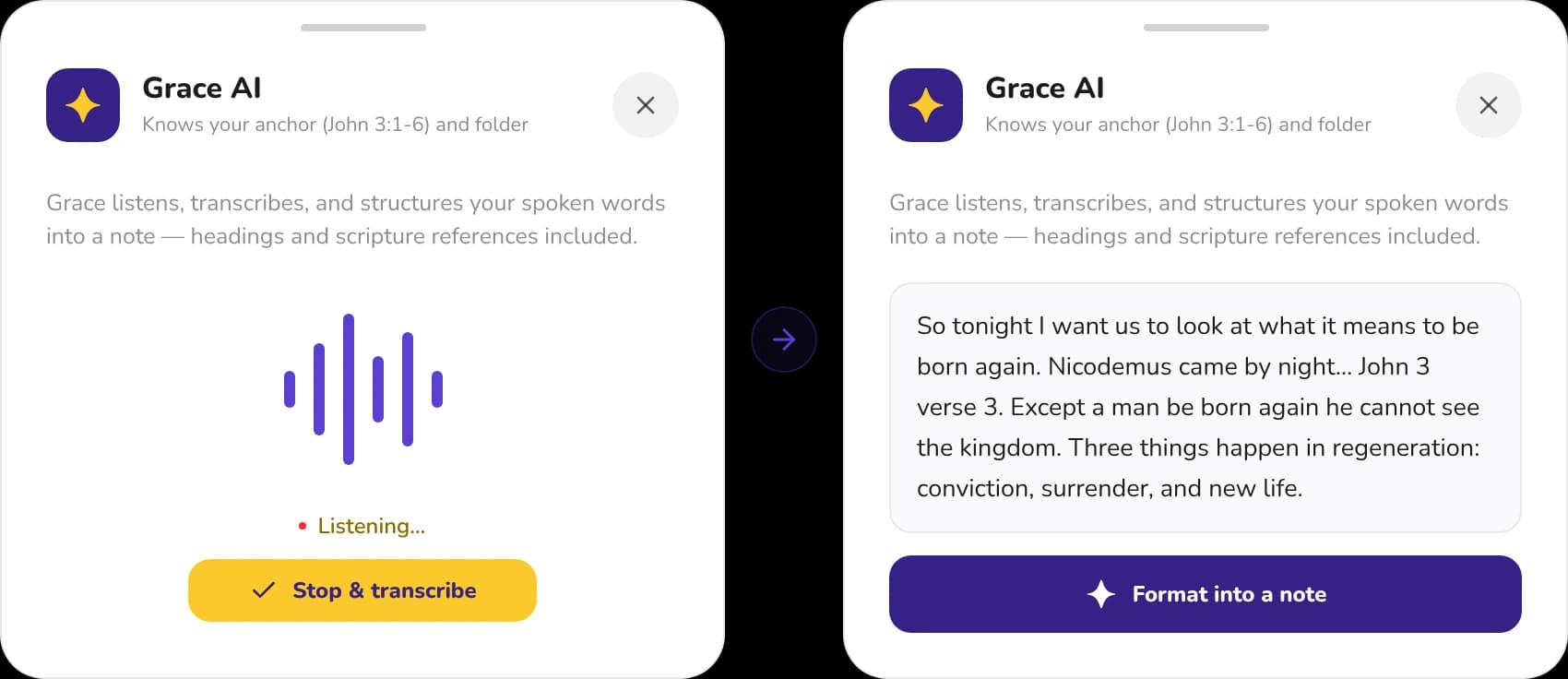
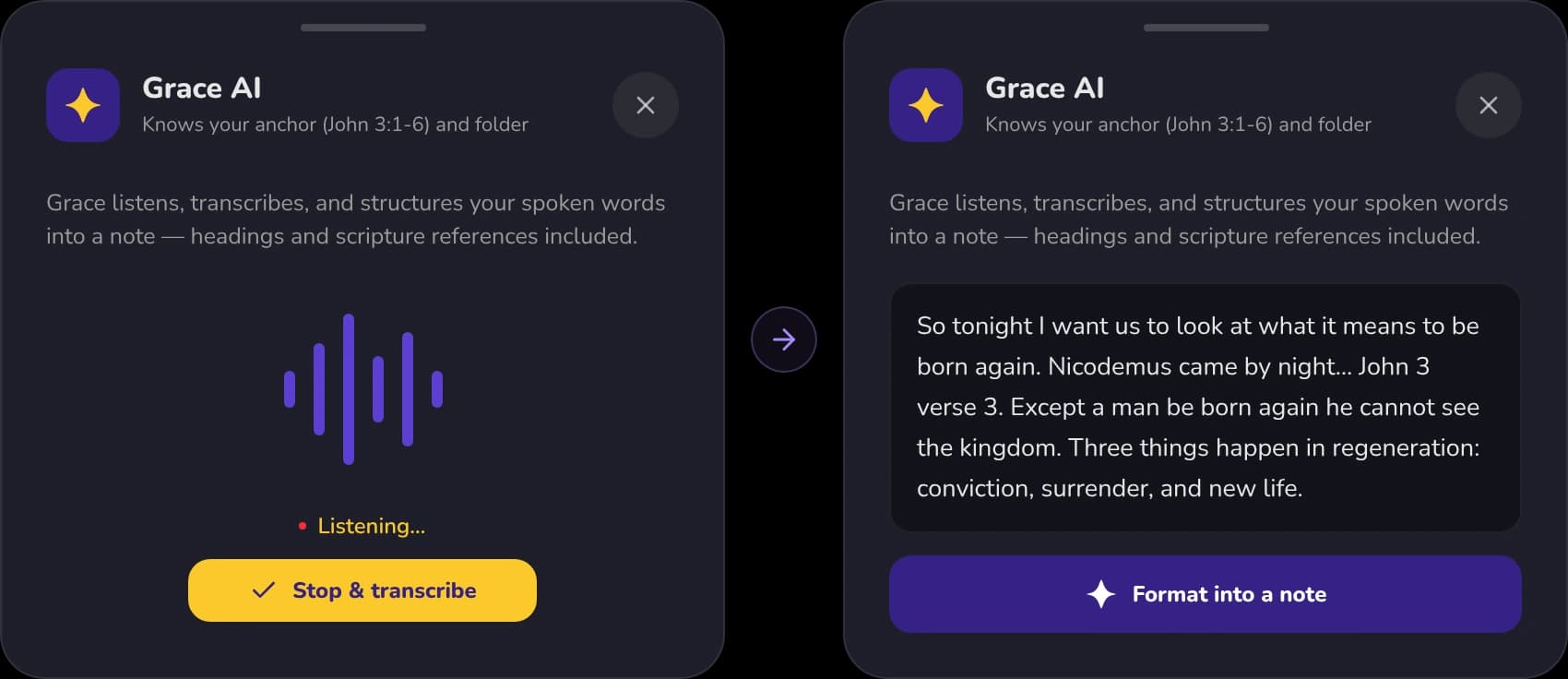
Grace AI Listener
Record it or say it out loud - Get a note.
Grace listens, transcribes, and structures your spoken words into a note, with headings and Scripture references included.
Grace AI Sermon Link
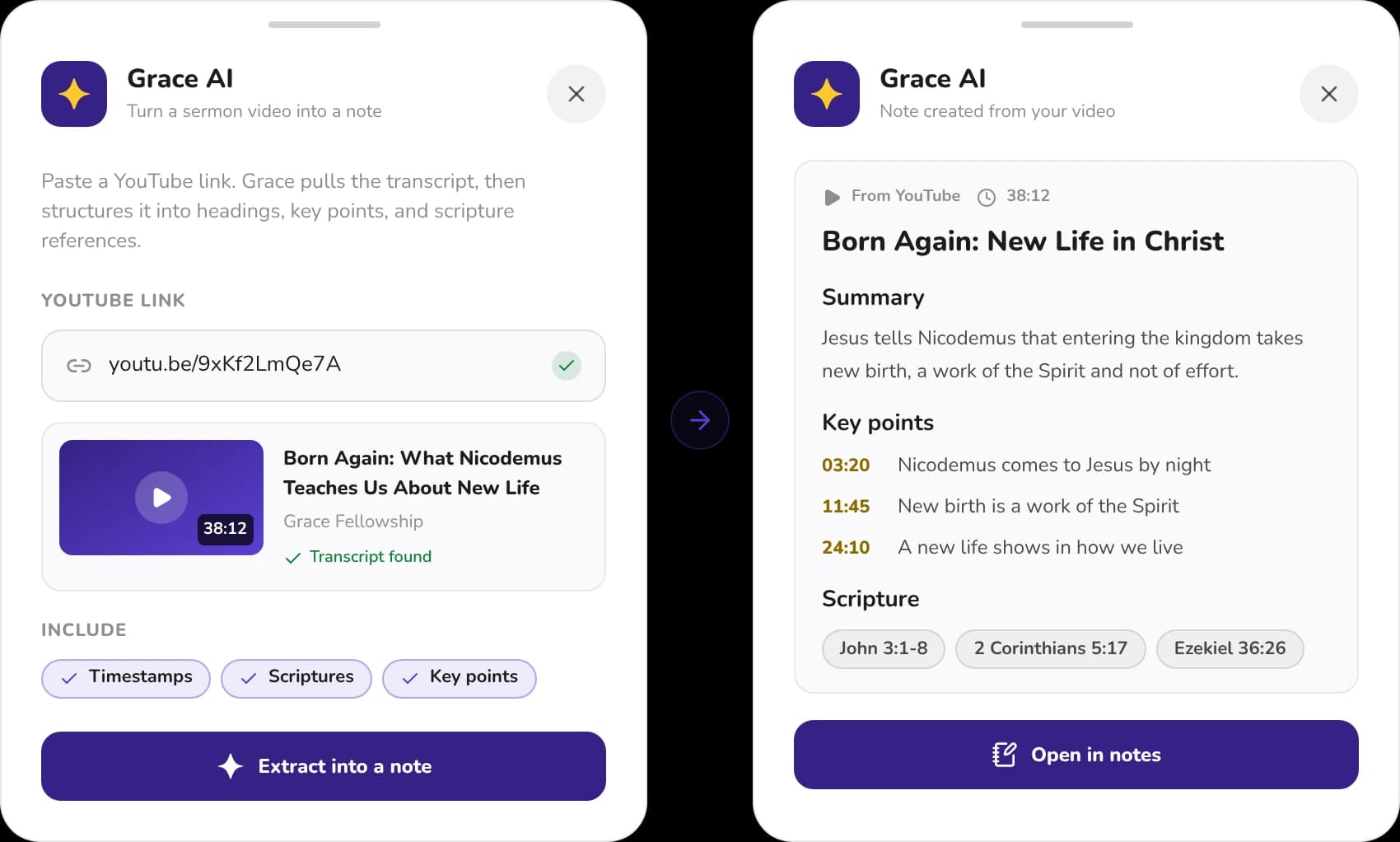
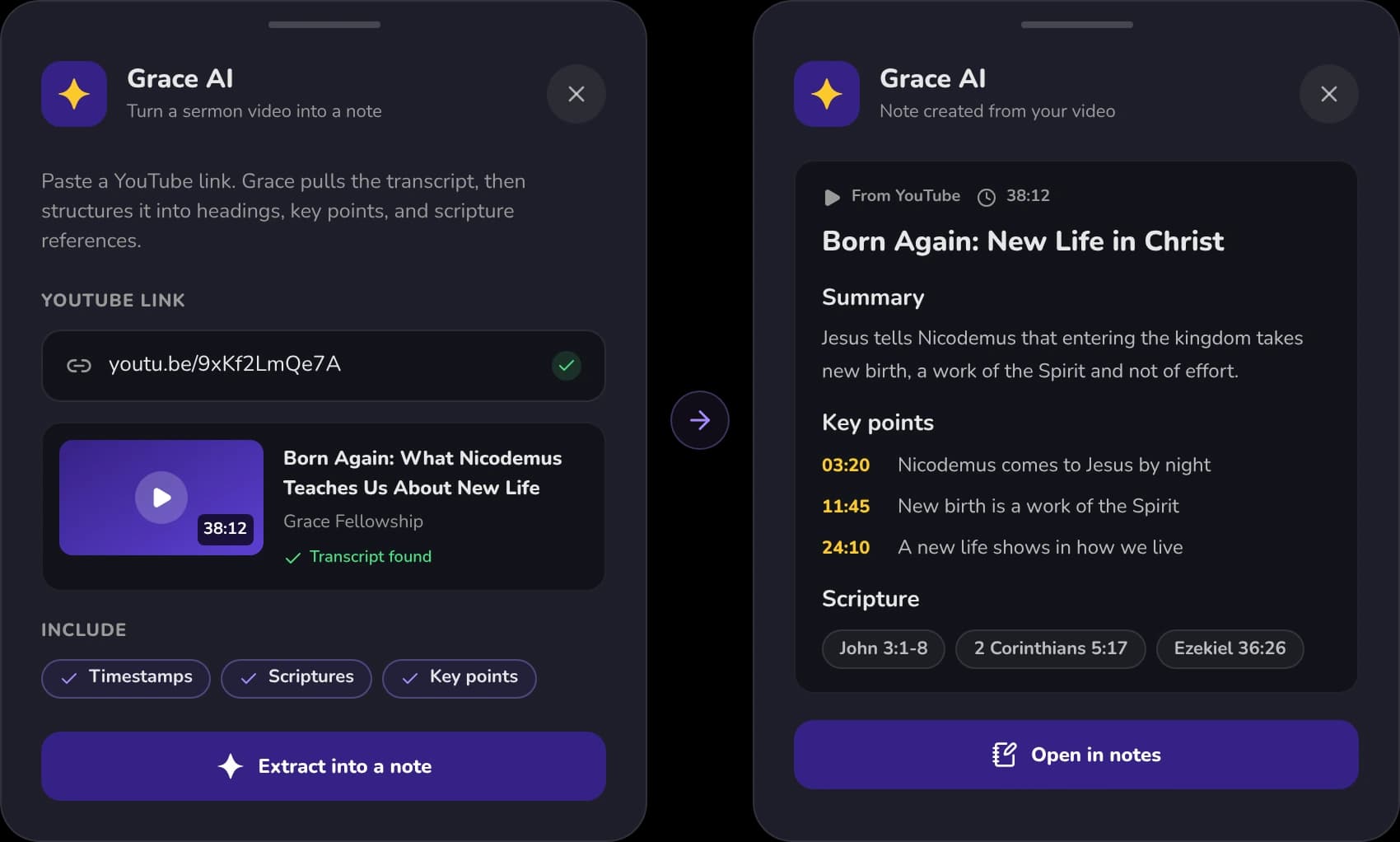
Paste a sermon link. Get a note.
Grace pulls the transcript from a YouTube link and structures it into headings, key points with timestamps, and Scripture references.
Sermon prep · Preach Mode
From study to pulpit, without friction.
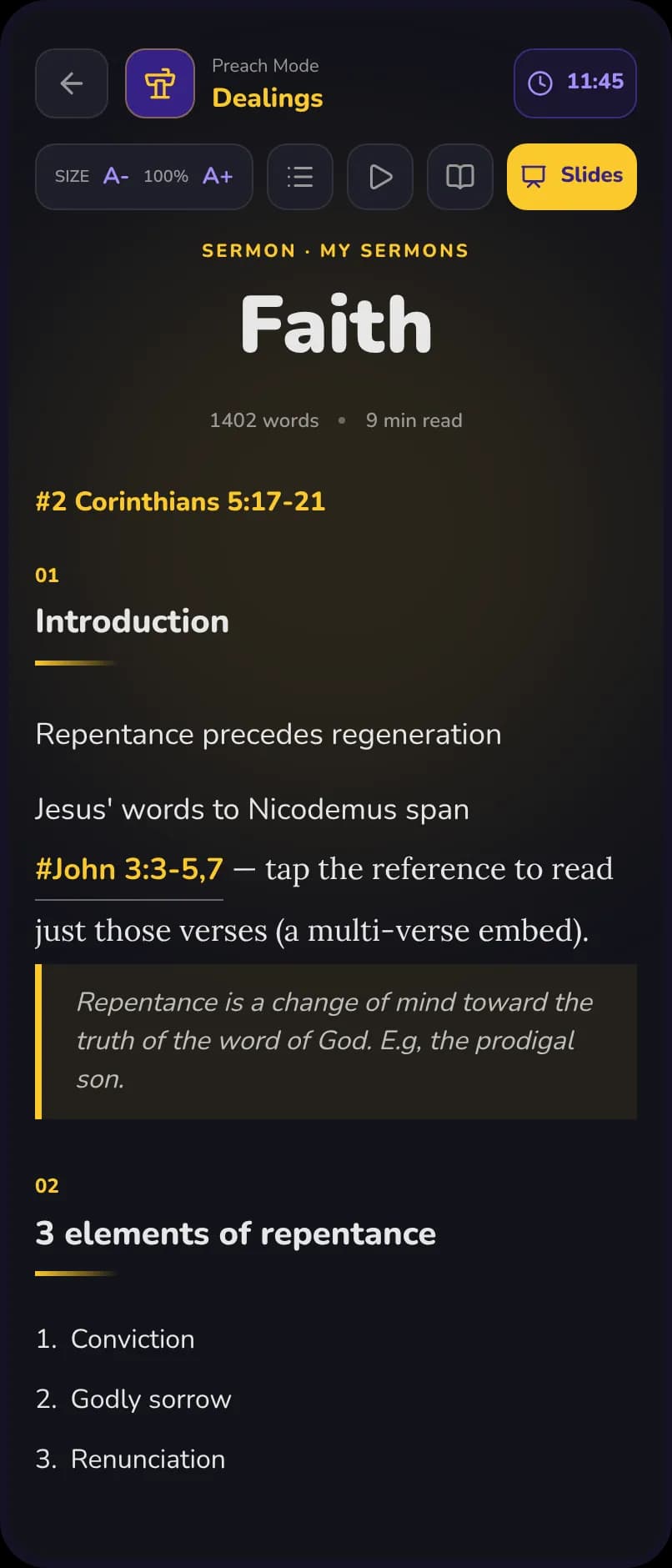
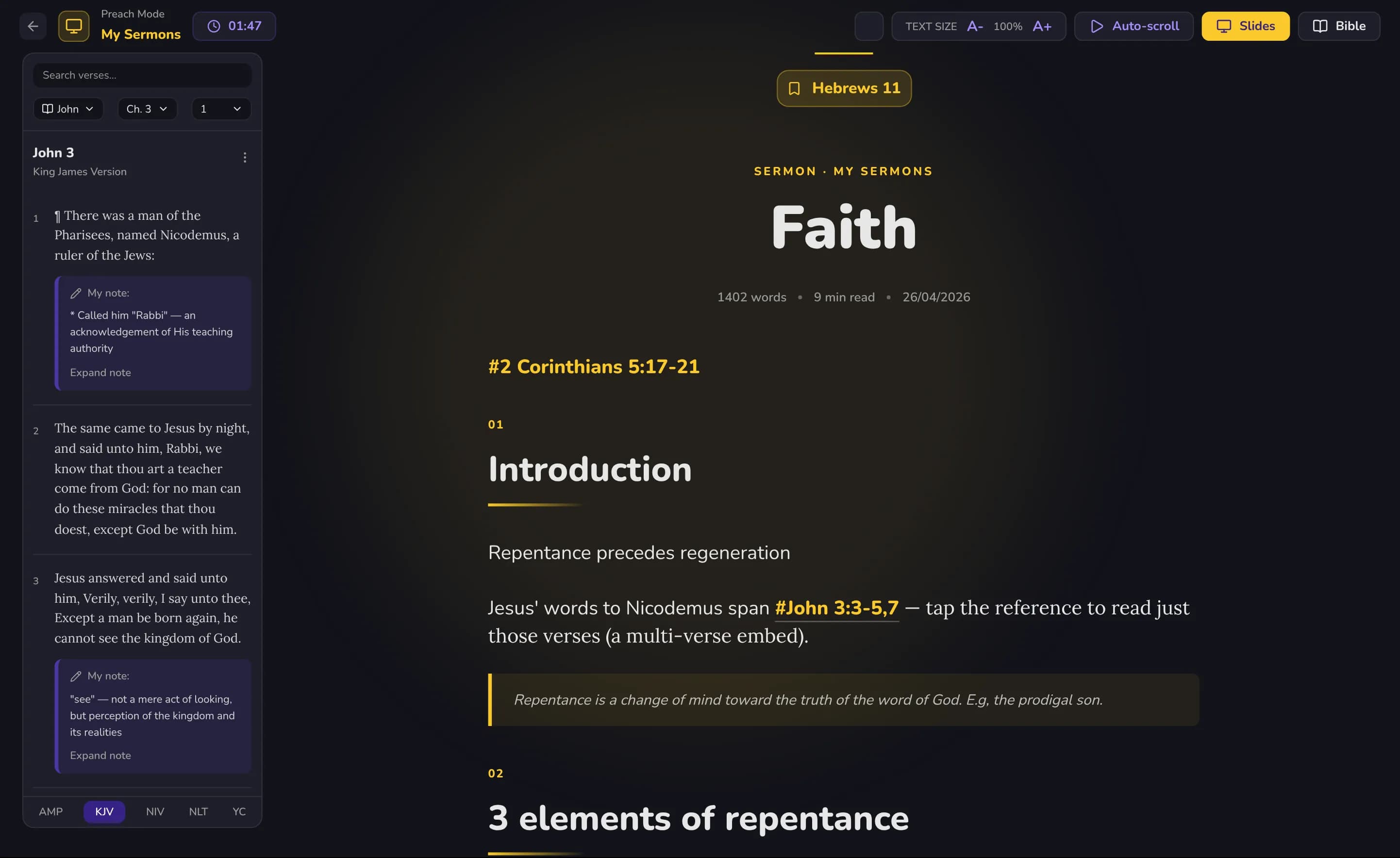
Prepare a message in the same workspace where you study. When Sunday comes, turn any note into Preach Mode, a clean, scrollable delivery view, and export your study to share or archive. Everything you prepared is ready when you stand up to teach.
- Preach Mode reflows any note for calm, distraction-free delivery.
- Study Export shares or archives your work in a clean format.
Free to write · Premium goes deeper
A study desk that travels with you.
Notes, folders, and verse embedding are free. Premium adds Preach Mode, Study Export, and heavier tools for those who prepare every week.
Questions people ask first
- Can I put full verses inside a note?
- Yes. Embedded Scripture appears in full, word for word, and links back to the reader so the passage always stays one tap away.
- Does it work offline?
- GracePad is offline-first. Write with or without a connection and everything syncs across your devices when you are back online.
- Is this built for sermon preparation?
- It is. Preach Mode turns a note into a clean delivery view, and Study Export lets you share or archive your work when you are done.
- Can I use it as a Christian journal or prayer journal?
- Yes. GracePad works as a Christian journal app as well as a sermon notepad. Start from a reflection template, write your devotional or prayer journal entry, and embed the verse that prompted it.
Give your study a home.
Free to start. Available on every device.